How CheckFox structures audits and what users can do with them.
What an audit is
An audit is one assessment of a digital service against one referential. It groups samples, criteria, findings, an accessibility statement, and reports.
Lifecycle
- Created - name, description, referential, scope, coverage and evaluation method chosen.
- Samples added - pages or screens to evaluate.
- Criteria evaluated - each applicable criterion is reviewed on each sample.
- Findings recorded - verdicts, problem descriptions, fix suggestions, screenshots.
- Statement generated - accessibility statement built from findings.
- Report exported - final deliverable.
An audit can be reopened, re-audited, or archived after completion.
Audit settings
- Name and description
- Referential (RAWeb 1.1, RGAA 4.1.2, WCAG 2.2, RAAM 1.1, RAPDF 1.1, or a custom guideline). See methodology / referentials overview.
- Coverage: full, or one of the reduced profiles the referential offers.
- Report language. See procedures / export a report.
- Accessibility Statement information: Country and Responsible body, used for generating your statement accurately. See procedures / create a statement
- Project management: Urgency level, due date, ticketing tool.
Audit coverage
RGAA and RAWeb publish official reduced criteria sets, and CheckFox offers them as a coverage choice when the audit is created:
- RGAA - audit rapide (25 criteria) and audit complémentaire (50 criteria, a superset of the quick set).
- RAWeb - contrôle simplifié (47 criteria).
A reduced audit checks fewer criteria and is meant to surface non-conformities quickly. It is not a conformance audit and must not be used to back a conformance statement. Every other referential is full-coverage only.
Coverage can be raised later (quick to complementary, or either to full) and the existing findings are kept. It cannot be narrowed.
Audit folders
Audits can be organized into folders within a workspace. Useful when an agency or in-house team is auditing multiple clients or product lines.
In My Audits, create a folder:
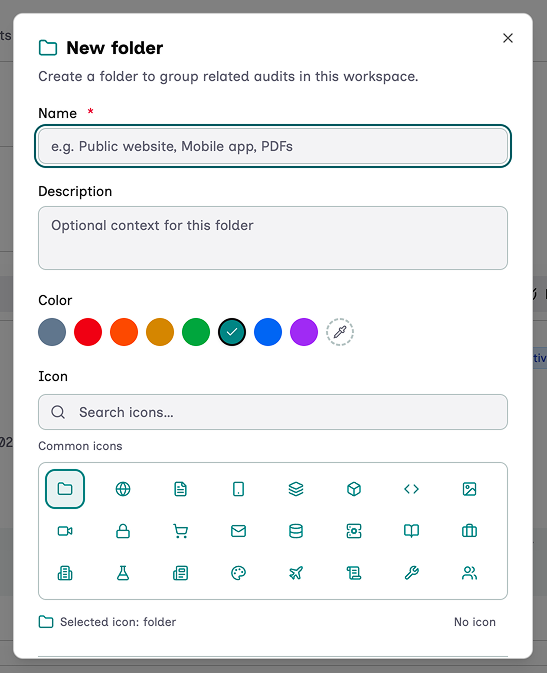
Set up your folder:
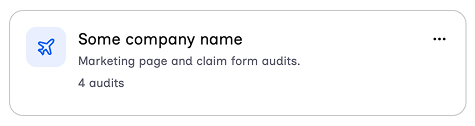
And you get your browsable folder:
Audit versioning
Available on the Enterprise plan. Lets the auditor snapshot an audit at a point in time and continue iterating without losing the snapshot's state. Useful for re-audits. Reduced audits cannot be versioned: widen the coverage to full first.
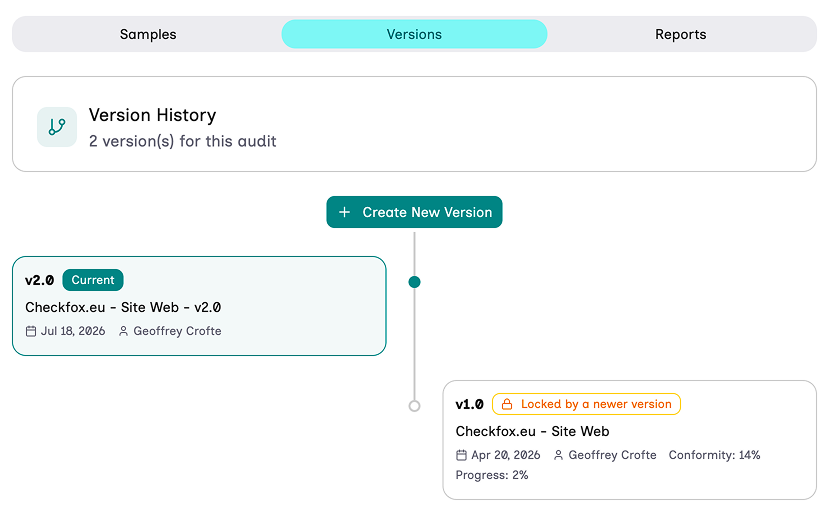
Adding a version is like duplicating an audit, but gives it a direct affiliation link.
Where it lives in the UI
- Operations > My Audits - list view.
- Audit page tabs: Samples, Versions, Reports, Statements.
- Audit settings accessible from the audit's overflow menu.
Possible actions with audit
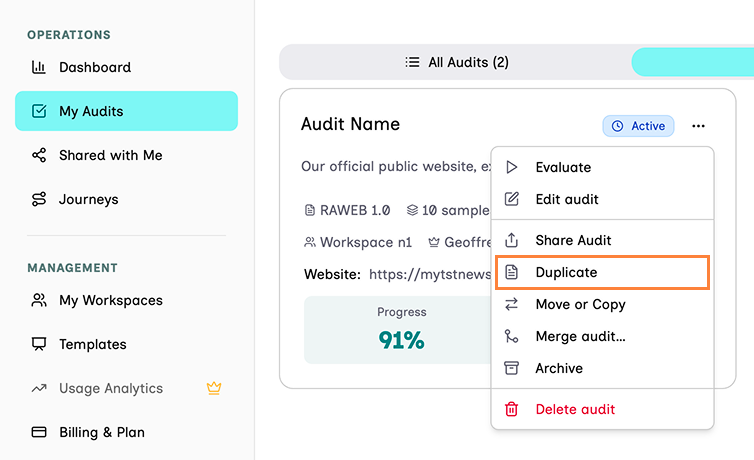
Duplicate audits
It copies all the content of an audit including: findings, notes, images references.
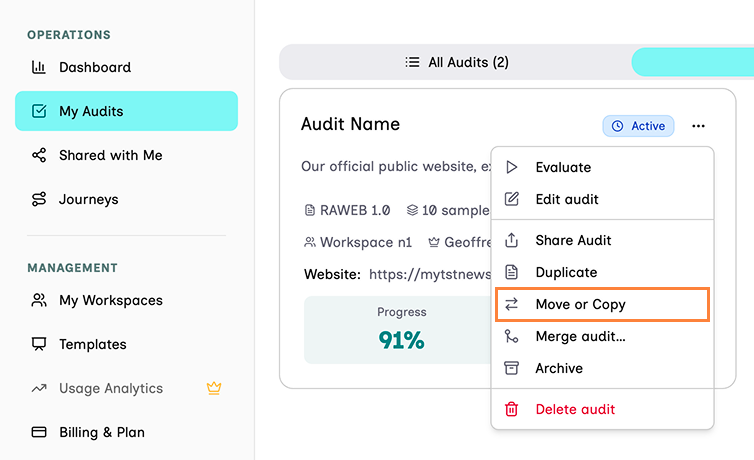
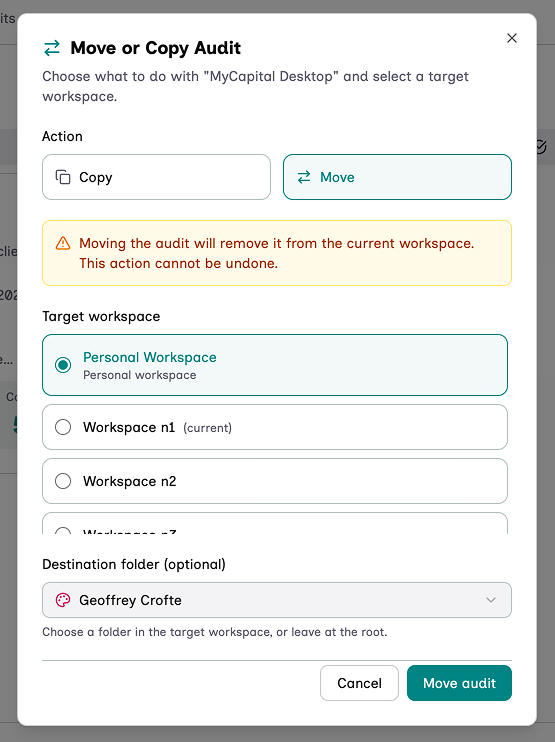
Move or Copy an audit
Moves or Copy (duplicate) the audit to a different workspace or folder of your choice, where you are owner or moderator.
Limits
Plan-dependent: maximum number of active audits and maximum number of samples per audit. See plans and roles.
Related
- samples, findings, journeys, statements, reports.
- methodology / referentials overview - choosing the referential and the level.