Free workshop, no strings attached
A free workshop to understand digital accessibility, without the jargon
Digital accessibility concerns everyone: designers, developers, communication teams, trainers, decision makers. This free workshop gives practical bearings to understand what an accessibility audit actually checks, what automated tools and AI can and cannot detect, and how to lay the groundwork without waiting for a large compliance project.
- Price
- Free, no commitment
- Duration
- 60 to 90 minutes
- Format
- Online or in person
- Prerequisites
- None, no technical level required
Who is this for?
This workshop is designed for any organisation that wants to raise awareness among its team or network, including:
Design and development teams
Who want to build accessibility into daily practice.
Associations and public bodies
Engaged in digital inclusion.
Training organisations
Looking for ready-to-use content for their learners.
Organisations facing obligations
Who want to understand the topic before starting a compliance project.
No prior technical knowledge is required.
What you will take away
Understand
- Why a site can look functional yet remain unusable with a keyboard or a screen reader.
- What automated tools detect well, detect poorly, or never detect at all.
- Why accessibility overlays do not make a site compliant, and how they can get in the way of the very people they claim to help.
- The main steps of a full accessibility audit, whether manual, hybrid, or AI assisted.
See
- How a blind person actually moves through a website or app with a screen reader: headings, links, forms, and the places where everything breaks down.
- A live demonstration on a real case or a deliberately flawed website.
Act
- Simple actions you can apply the next day, no advanced technical skill required.
Want to know more about overlays before the workshop? Read my comparison of accessibility overlays
Two possible formats
Online
Ideal for a team spread across several locations, or to reach a wider network without logistical constraints.
- Delivered over video call
- Shared presentation
- Live question and answer session
Open to any organisation, wherever it is based.
In person
Ideal for a more interactive session, with hands-on exercises and live demonstrations on participants' own tools.
- Exercises in small groups
- Live demonstrations on your own tools
- At your premises or a venue of your choice
Available in Luxembourg.
Duration: 60 to 90 minutes depending on the format and depth requested.
A sample agenda
Why digital accessibility concerns every role, not only developers.
Browsing without sight: a screen reader and keyboard demonstration, to hear what a blind person perceives of a page.
The most common issues found during audits, with real examples.
What automation and artificial intelligence actually change in audit practice.
Accessibility overlays: what they promise, what they really do, and why they are no substitute for a fixed website.
Live demonstration on a real website.
Questions and next steps.
The content is adapted to the audience: a team of developers will not get the same agenda as a network of associations or a communication department.
Who leads this workshop?
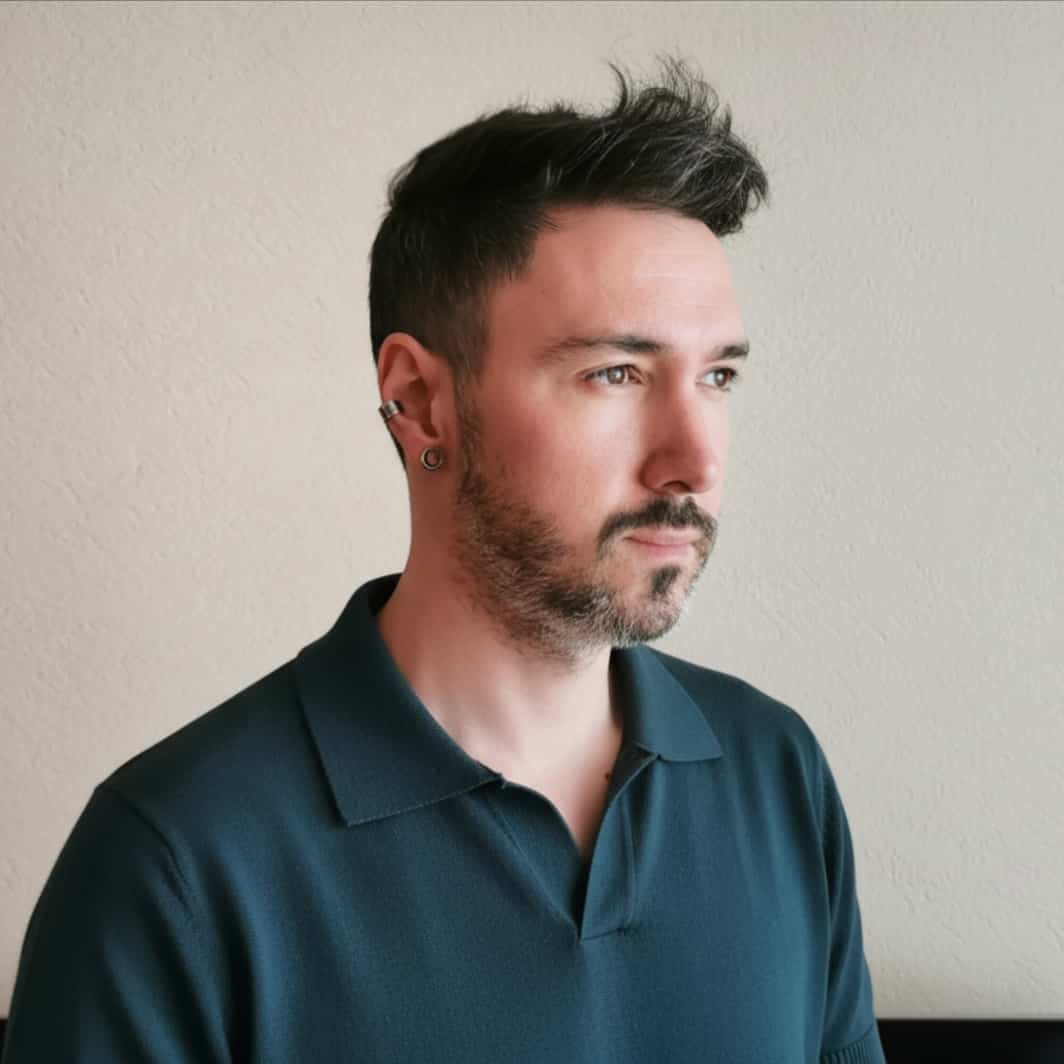
Geoffrey Crofte
UX Designer, digital accessibility and design systems
Geoffrey Crofte, UX Designer specialised in digital accessibility and design systems, author of two books on the topic, and creator of CheckFox, a collaborative workspace built for accessibility audits.
This workshop is not a sales pitch: the goal is to share practical understanding, whatever tools you use afterwards.
Read the story behind CheckFoxWhy is it free?
Making digital products accessible benefits everyone. The earlier teams understand the stakes, the less costly fixes become later. This workshop is a contribution to an ecosystem where accessibility becomes a shared habit, not a last-minute constraint.
Frequently asked questions
Is the workshop really free?
How many people can attend?
Do I need technical knowledge?
Is the workshop only for Luxembourg?
Is it a CheckFox demo in disguise?
Request a workshop for your organisation
Get in touch with your organisation's name, the preferred format (online or in person), an approximate number of participants, and one or two dates that would work for you. I will get back to you quickly to confirm the details.
Opens your email app with a pre-filled message.